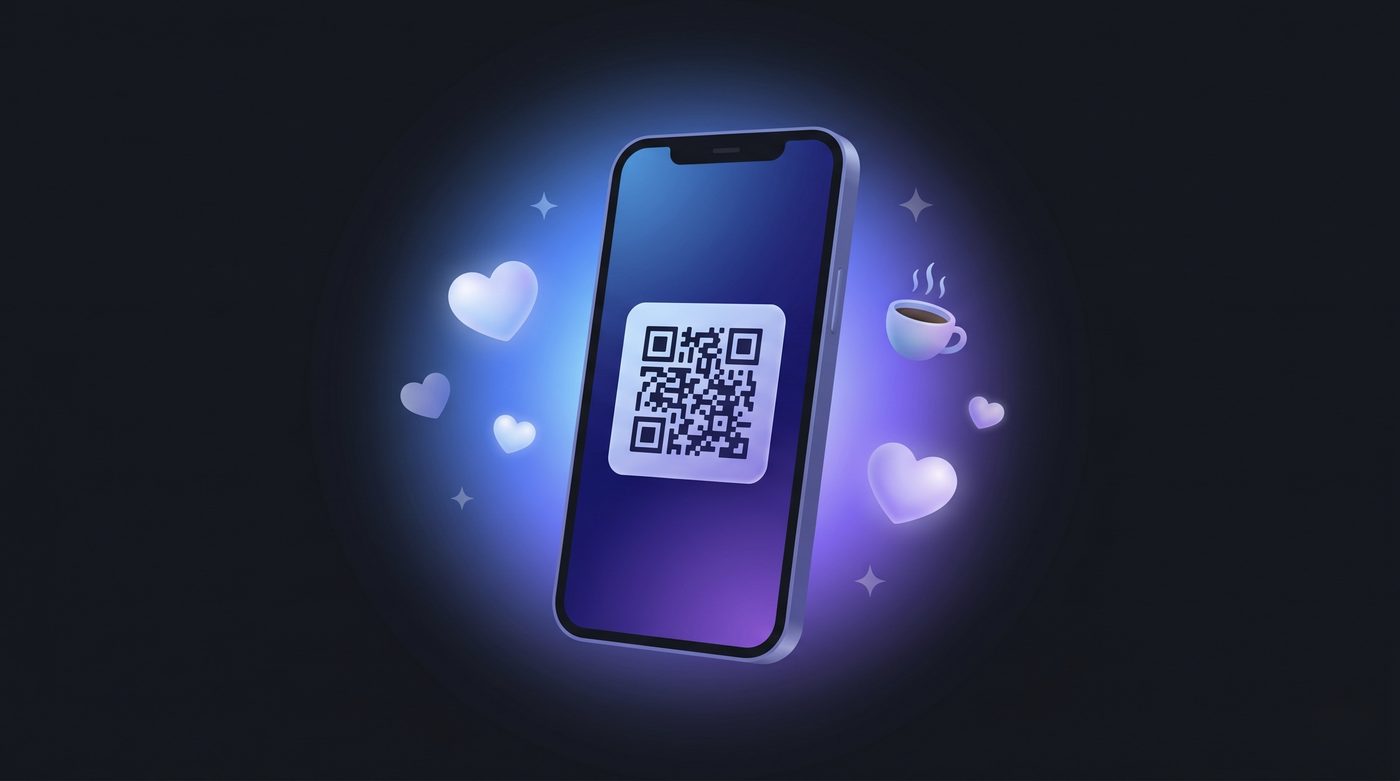
Free QR code wallpaper generator
QR Wallpaper Studio is a free online tool that turns your phone's lock screen into a scannable digital business card. Add your contact details, choose a background, drop a QR code on it, and download a ready-to-use wallpaper. When anyone points their phone camera at your screen, they can save your contact in one tap — no app, no sign-up, and no cost.
How to make a QR code wallpaper
- Enter your details. Fill in your contact card — or switch to a Wi-Fi network, website link, text, or location.
- Pick a background. Upload your own photo, choose a preset, or generate a random gradient.
- Place the QR code. Drag, resize, and centre-snap it, then style its colours, shape, and add a logo.
- Download. Export a full-resolution wallpaper sized for your iPhone or Android, and set it as your lock screen.
Why use QR Wallpaper Studio
100% free
No account, no watermark, no limits. Make as many wallpapers as you want.
Completely private
Everything runs in your browser. Your details and photos never leave your device.
No app to scan
Uses the standard vCard format that iPhone and Android cameras read natively.
Fully customisable
Custom QR colours, dot and corner shapes, a centre logo, and overlay text.
Pixel-perfect export
Download at the exact resolution for iPhone, iPhone Pro Max, and Android.
More than contacts
Encode Wi-Fi passwords, links, plain text, or a map location too.
Perfect for
Networking events and conferences, real-estate agents, sales teams, freelancers and creators, restaurants and cafés sharing their Wi-Fi or menu, content creators sharing a link-in-bio, and anyone who wants to share their details quickly without printing paper business cards.
Frequently asked questions
What is a QR code wallpaper?
A QR code wallpaper is a phone lock-screen or home-screen image with a QR code on it. When someone scans the code with their camera, their phone offers to save your contact details, open your link, or join your Wi-Fi — instantly and without any app.
Is QR Wallpaper Studio free?
Yes. It is completely free to use, with no sign-up and no watermark. You can create and download as many wallpapers as you like.
Is my contact information private?
Yes. Everything runs entirely in your browser. Your details and images are never uploaded to a server or stored anywhere — the QR code and wallpaper are generated on your own device.
Do people need an app to scan the QR code?
No. The built-in camera on iPhone and Android recognises the QR code automatically. For contacts it uses the standard vCard format, so the phone shows an "Add Contact" prompt with no extra app.
What can the QR code contain?
A full contact card (name, phone, email, company, address, website and social links), a website link, a Wi-Fi network, plain text, or a map location.
Does it work for both iPhone and Android?
Yes. You can export the wallpaper at the exact resolution for iPhone, iPhone Pro Max, and common Android sizes, and the QR formats are supported by both platforms.